3 ways to embed Instagram-specific hashtags

As a linked project for events and event sites, there is a campaign to post a specific hashtag (#キャンペーン名) on Instagram, which is commonly seen, and we have summarized three ways to embed and display the timeline of the specific hashtag post on the website.
Free embedding service >
Embed Social

It is an embedding service site for external tools that generates embedding code for free.
If you become a paid account, you can generate embeds that mix up multiple SNS and embeds YouTube sliders.
Hashtag filtering Post embedding is free to use, but there is only one way to display the post.
The maximum number of views is 10,000 views for free use.
If you just want to show a specific hashtag post for a limited time, such as during a campaign, this is all you need.
To embed a post timeline, you'll need your Instagram account and Facebook Page.
With the two linked, it feels like using Instagram, which links and links Facebook pages on the "Embed Social" management screen.
It's a bit of a hassle to need a Facebook page account in addition to an Instagram account.
Elfsight
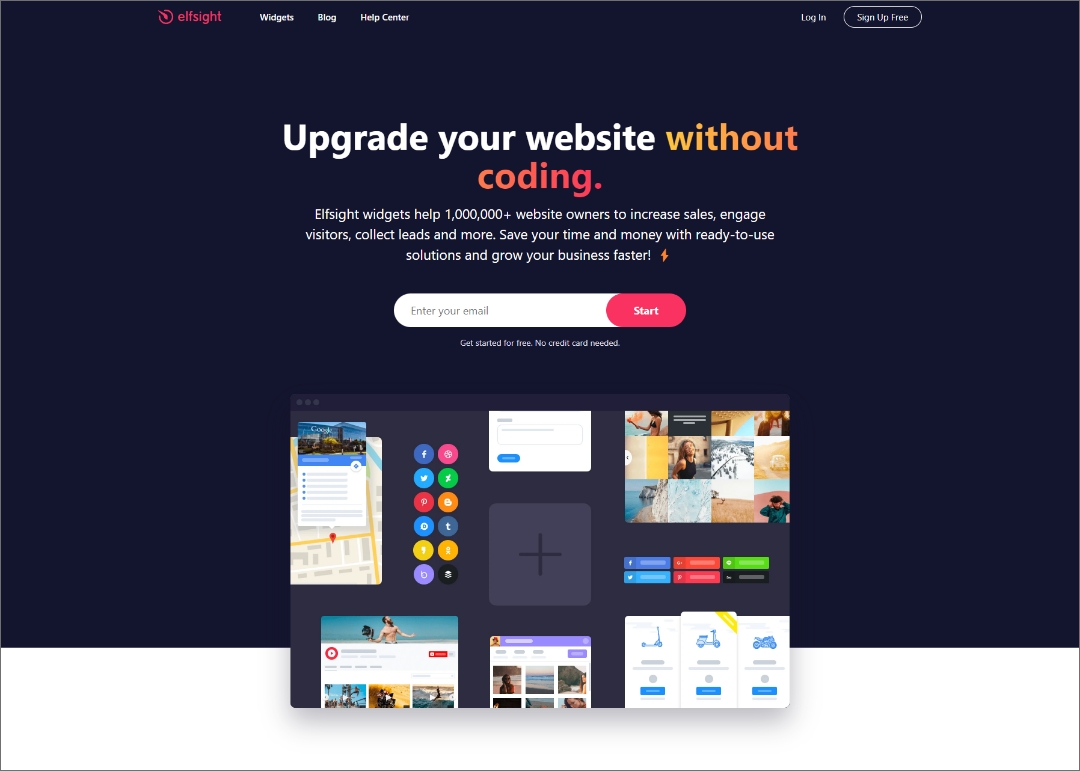
This is also a service of an external tool that generates embed code and embeds it with that code.
It is free to use, but there is a limit of up to 200 views.
"Embed Social" has 10,000 views, so if you are considering implementing "elfsight", "Embed Social" seems to be a better choice.
The steps to embedding are simple.
- Choose a widget to embed
- Get the widget embed code and copy it
- Paste the code inside your website
paid embedding service
WP Plugin "Smash Balloon Instagram Feed"
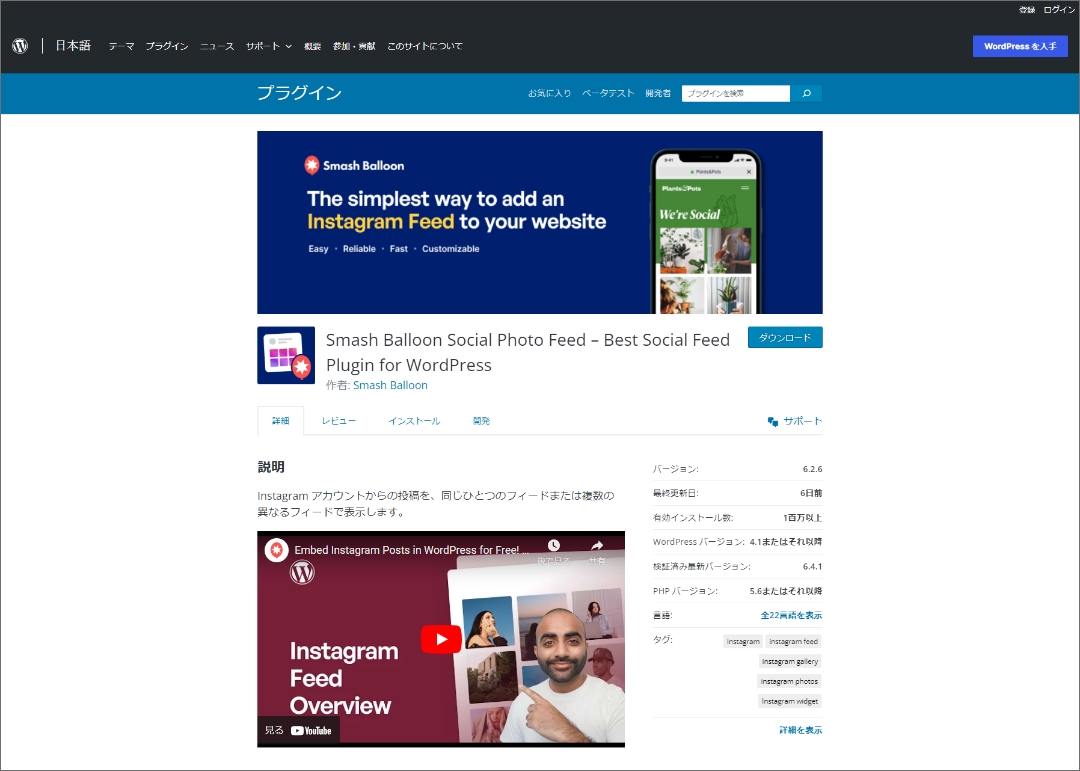
https://ja.wordpress.org/plugins/instagram-feed/
If the website you want to embed is built on WordPress, then you can utilize a plugin to embed a timeline for specific Instagram hashtags.
The Instagram embed plugin is available with the famous Smash Balloon Instagram Feed (formerly known as Instagram Feed).
Even the free plan has many feature limitations, and you can use it for free if you just embed the posting timeline on the web page, but the paid plan supports the embedding display of specific hashtags.
By the way, with the free plan, errors often occur and you often have to re-link with your Instagram account.
summary
Embedding hashtags on the timeline is a limited-time campaign, and if the number of PVs is less than 10,000 per month, I think it will be solved with the free service "Embed Social".
If you want to display it for a long time or if the number of PVs exceeds 10,000, it would be a good idea to use a paid service.