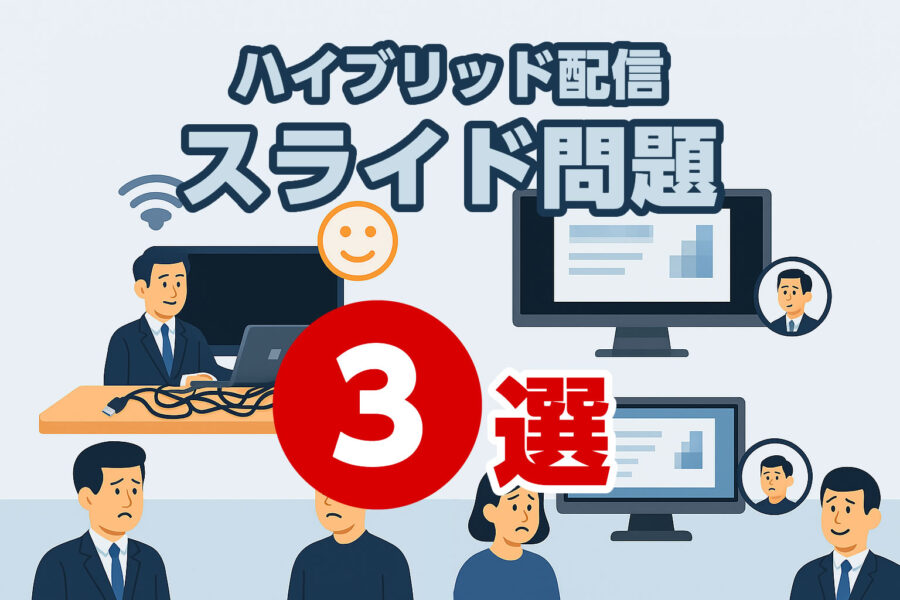
Hybrid Seminar Distribution|3 Lecturer Slide Questions
Hello! This is the producer's Rikki~.
I am happy to see that we are receiving more and more inquiries about hybrid seminars.
*Our company is limited to 2 locations per day, so if you have a fixed schedule< please press >a href="https://www.pipe-line.biz/en/contact" as soon as possible!
One of the things I pay attention to at hybrid seminars is
Slides created by the instructor
is.
"Just one small problem" can be fatal
"The slides are too difficult to see and the participants leave", "The start is delayed due to connection errors", "The screen is rough and the content is not conveyed"-
Especially in hybrid formats, a momentary inadequacy for both online and offline participants can lead to a "breakdown of trust".
In fact, it has been reported that troubles during webinars can dramatically increase churn rates and affect brand reputation.
Therefore, just by being aware of the "small problems" that are likely to occur in the lecturer slides that we will introduce in the future, the success rate of the distribution will increase significantly.
Please check it out to the end and prepare for the next seminar.
Contents
Contents
(1) Slide size variation problem
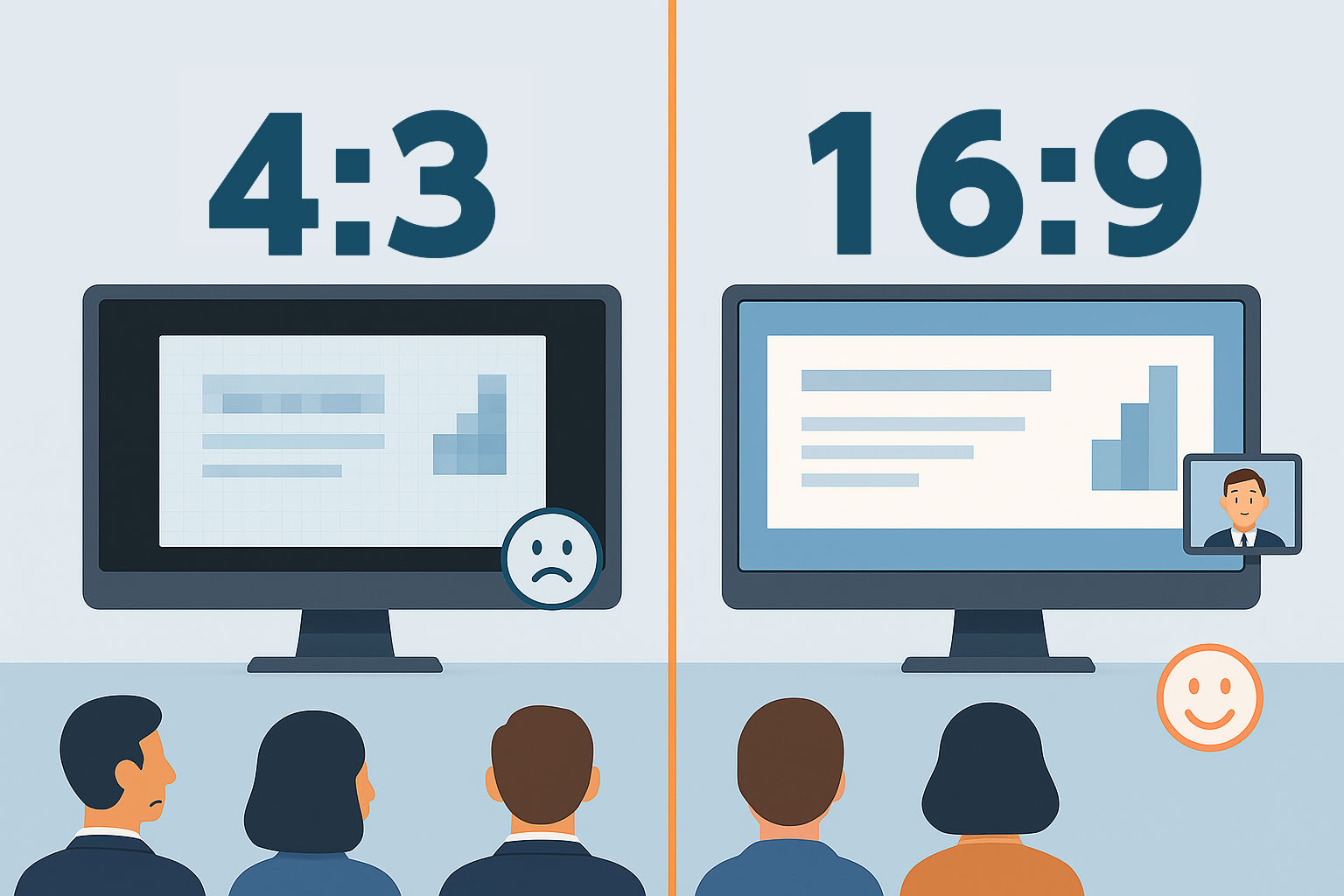
PowerPoint is created in "16:9" by default, but instructors who are not too online may create it in "4:3".
This is because the projection screen of the projector is based on the width, so "4:3" allows the screen to be used more widely and can produce more information.
However, the monitor of the online participants is "16:9", so there will be a blank space. And since the monitor is based on the vertical width, the size of "4:3" will make the screen smaller.
Furthermore, if multiple lecturers are present, the files may often be mixed.
Then
"Reduced visibility" for online participants
It will cause it.
The only solution is to ask the instructor to create it in "16:9" in advance.
If not, if you can get the materials in advance, we will change it to "16:9" after obtaining permission.
(2) PC connection problems
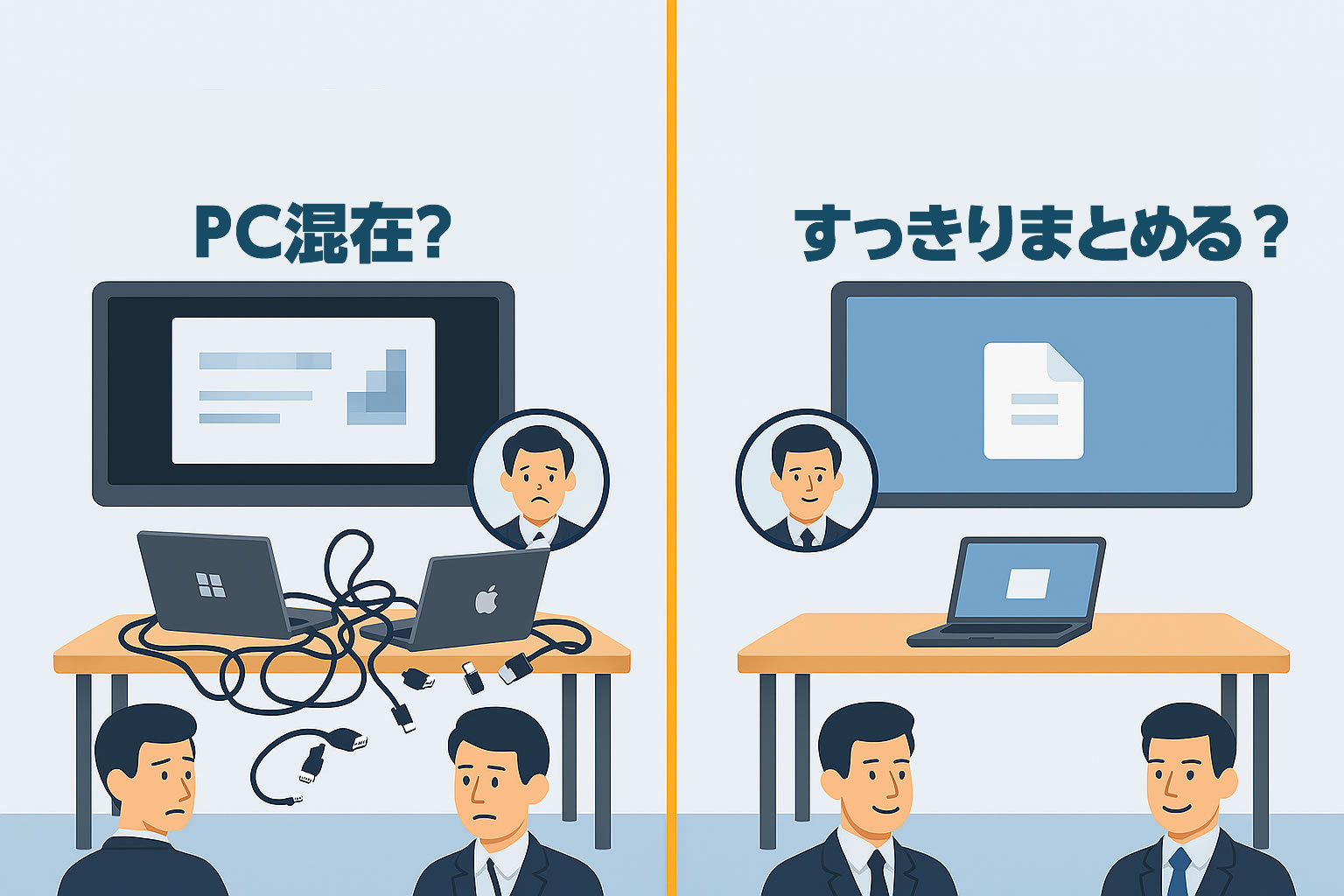
The computer changes for each speaker... This is a high risk of connection problems.
Especially when Windows and Mac are used together...
There is only risk.
*Some teachers do not bring a conversion connector even though it is a Mac.
When you think about it, rehearsal time is very important, but there are many problems that need to be cleared, such as letting the teachers who will take the stage into the venue too early.
And no matter how many rehearsals are held, the probability of cable plugging and unplugging problems cannot be reduced to zero.
So as a solution
Havethem give lectures in the form of sharing one computer they set up at the beginning
.That's what it is.
In addition
Make multiple slide files into a single file so that the speakers are in order
.It would be best if you could do this.
(3) Quality deterioration of the streaming screen
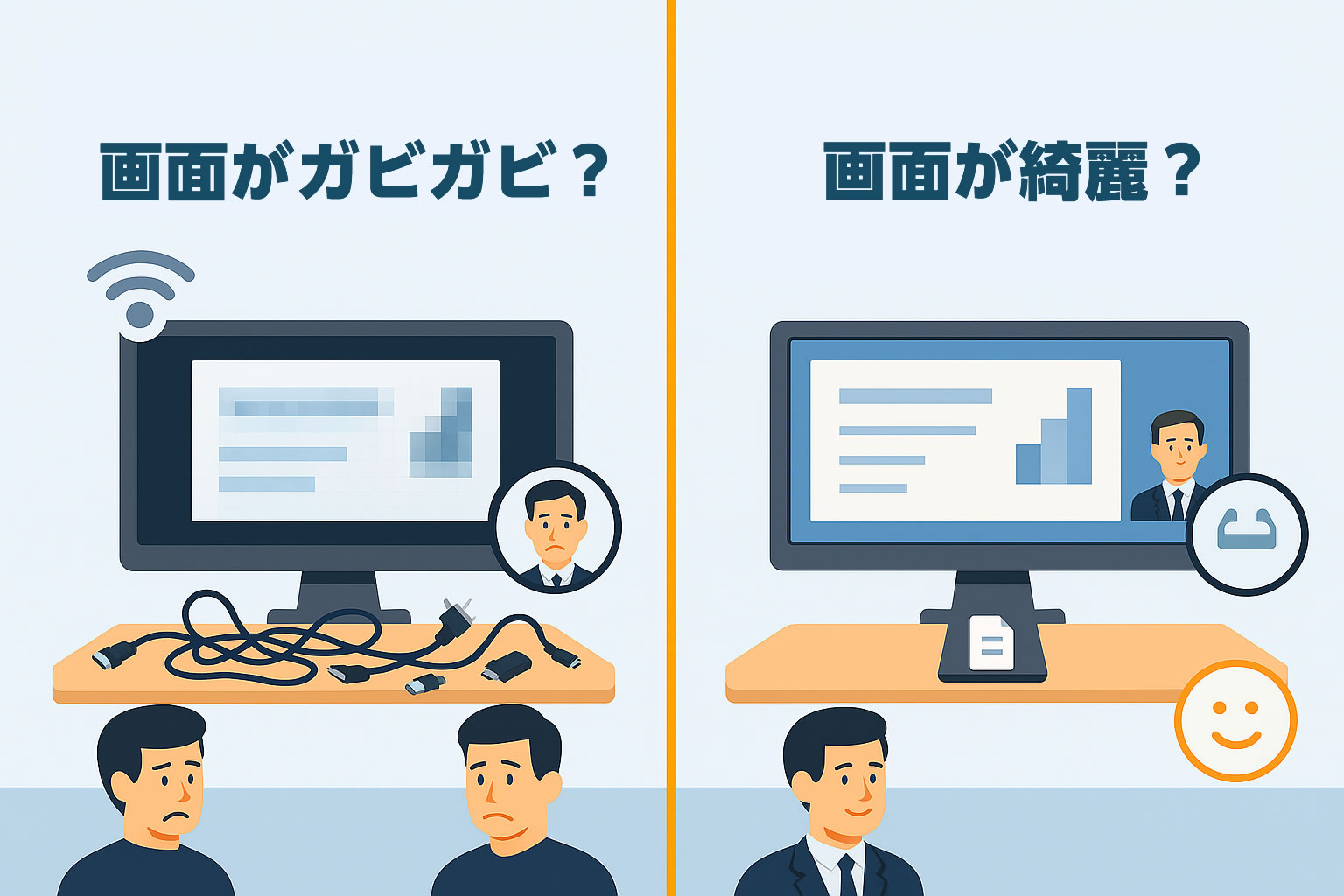
Since it is a hybrid, it is necessary to have the same screen for both "online" and "offline".
YouTube Live is fine, but if you do not share the screen at a webinar and display the screen with a switcher, the resolution will be lower, and depending on the text size of the slide, it may not be readable.
To avoid it
,Using a second camera on a streaming PC
However, depending on the line speed, this will also be a "jerky" movement when switching to the instructor.
Therefore, it is important to secure a line for distribution (e.g., PepLink, etc.) rather than a line to be shared with others (the line at the venue is often not exclusive to the room).
summary
Just by keeping these "three points" in mind, the incidence of delivery problems will be drastically reduced.
There may be differences in position with the lecturer, but it is well worth sharing in order to protect "credibility as an organizer" and "sense of security for participants".
We have experience in hybrid distribution at various venues.
If you have any concerns, please feel free to contact us.