[Super easy] How to change the sort order in the WooCommerce product listing
a production project using WooCommerce, I sometimes changed the order of the products on the product page.
( ^ω^)...
Huh? How do you do it?
I was confusedfor a moment, so I'm writing it as a memorandum for my future self.
It's very easy, so I think you should memorize it.
Contents
- 1 Method 1: Change
- the settings from the dashboard2 Method 2: Sort using menu order
- 3 Method 3: Customize
- the theme4 Conclusion
Contents
Method 1: Change settings from the management screen
First, I will introduce the method I used this time.
- Log in to your WordPress admin and go to the WooCommerce 'Settings' menu.
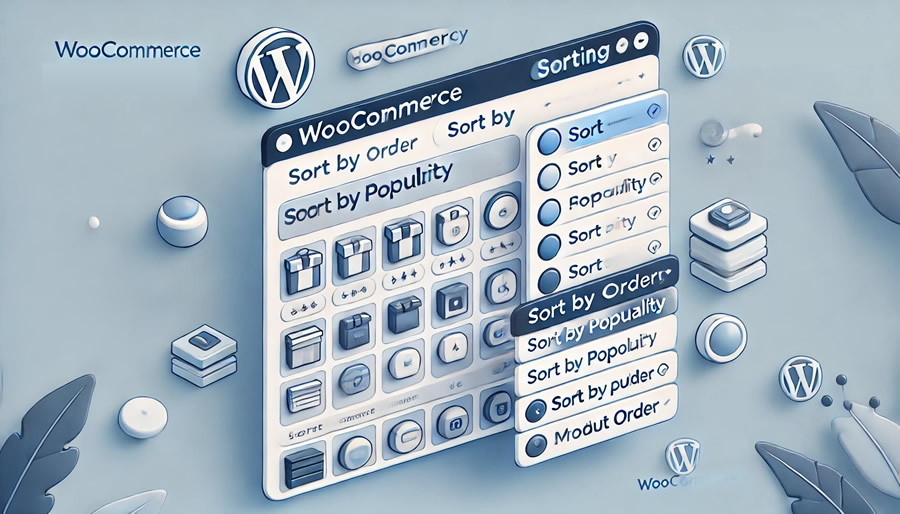
- Click the View tab to see options for sorting the product list page.
- Here, you can set the "default sort order" to your liking, such as "popular" or "latest".
"Menu Order" is a feature that allows you to manually set the sort order for each product.
- In the Product Data section of each product editing screen, there is an Advanced tab.
- There is an item called "Menu Order", and the smaller the number you enter here, the earlier it will appear in the product list.
This setting allows you to customize the order of your products freely.
Method 3: Customize the Theme
As an aside, you can also add custom code to functions.php files to give you more control over the sorting order. (Details omitted)
end
By changing the order of your WooCommerce product listings, you can effectively place products that are more likely to catch the eye of users.
If you use the order of the menu, you can achieve the order you want, so please give it a try.