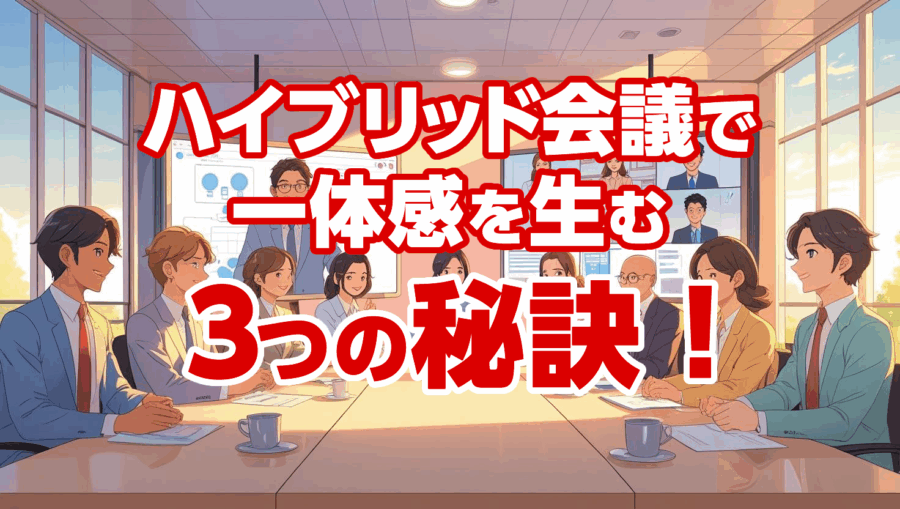
3 Secrets to Creating a Sense of Unity in Hybrid Meetings!
Hello! This is the producer's Rikki~.
For companies that have adopted remote work or organizations where it is difficult for everyone to gather together
I think there are many places that hold "one-to-many" hybrid meetings.
So I have a question for you.
✅ Are you fostering a sense of unity in hybrid meetings?
✅ Online participants put it on
… Isn't that true?
When asked again, many people may say, "I wasn't aware of online participants...".
In fact, we have received such a voice from our company.
-
How do I run
- a hybrid meeting smoothly?
- I'm having a hybrid meeting, but I don't feel a sense of unity...
Therefore, this time, we will introduce the "3 secrets" > such problems.
Contents
- 1 Tip (1) Set up
- a facilitator online2 Tip (2) Participate online as well
- 3 Secret (3) Use
- the "raise your hand" function4 Conclusion
Secret >
What is a facilitator
?A person who draws out the opinions of participants, stimulates discussions, and guides them to smoothly progress towards the overall goal at meetings, workshops, etc. ~ From the overview by AI
is.
POINT is
familiar with the operation of tools such as Zoom and Teams as facilitators
That's what it means.
This can be done by someone other than the chairman, leader, or moderator of the meeting.
The facilitator's primary role is to ensure that the meeting facilitator and meeting participants can attend the meeting without stress.
Secret >
Often in hybrid meetings when
Let's make it look like this! Have you ever seen an explanation on the web?
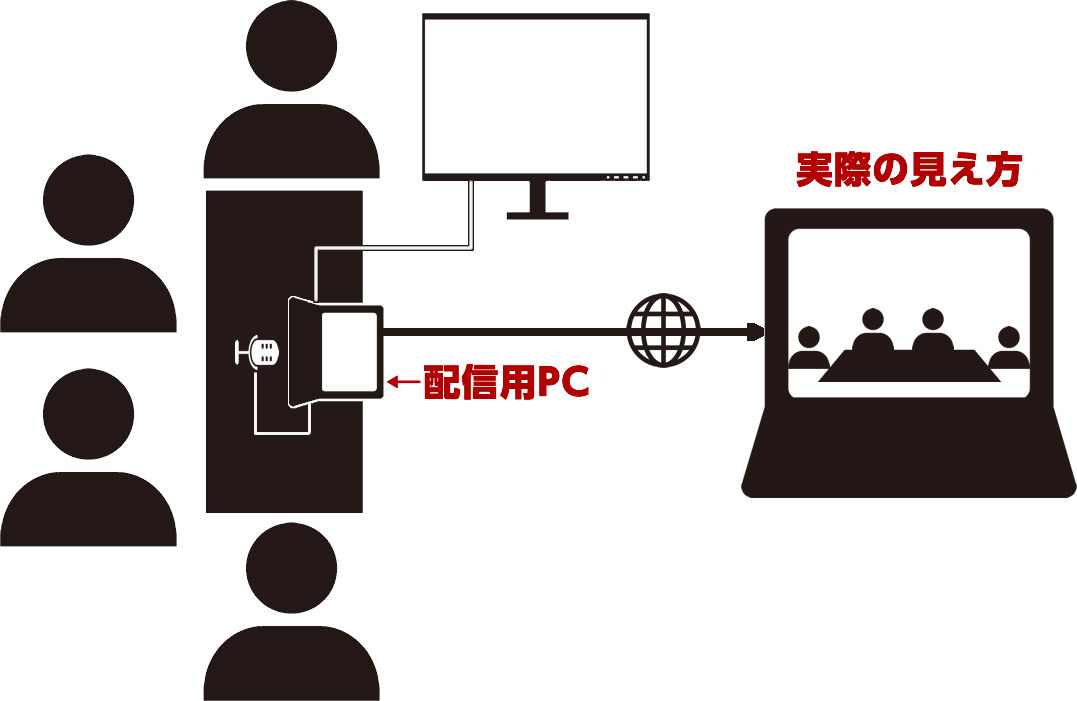
In this form, people who are participating online
I don't really understand the facial expressions of the people participating in the meeting.
So,
Meetings are held by all offline people, even if they are in the meeting tool.
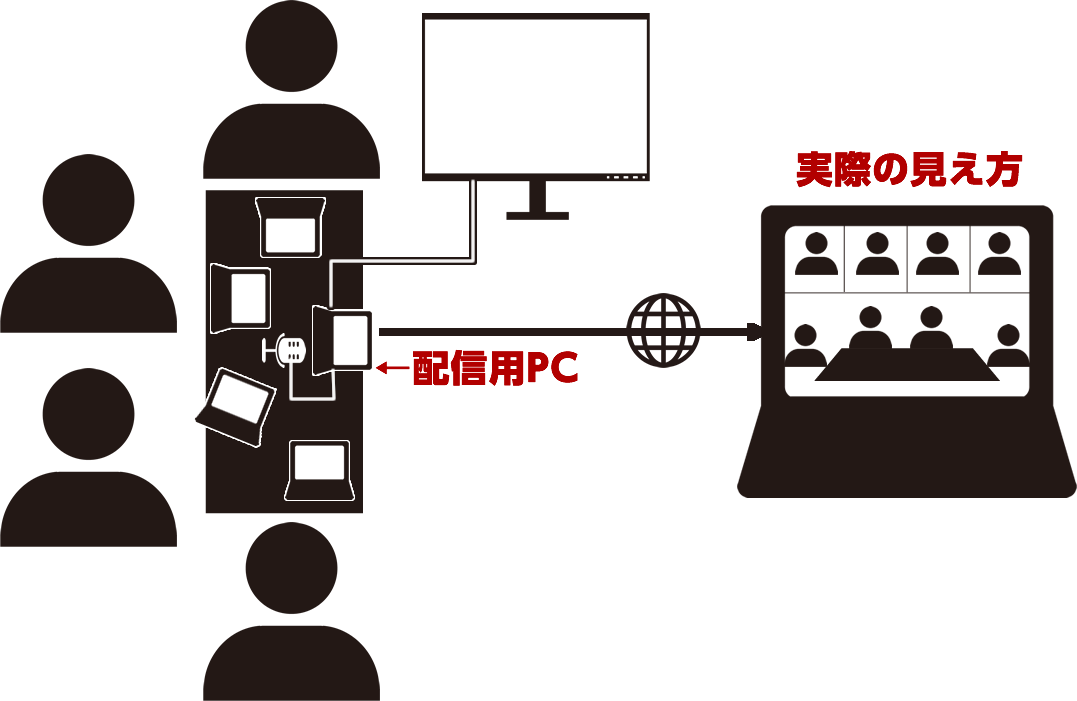
Of course, people who are offline will be muted, but this will show everyone's face, so those who join online will also be able to see the faces of the participants.
In addition, when speaking,
Secret (3) Use the "raise your hand" function
I will.
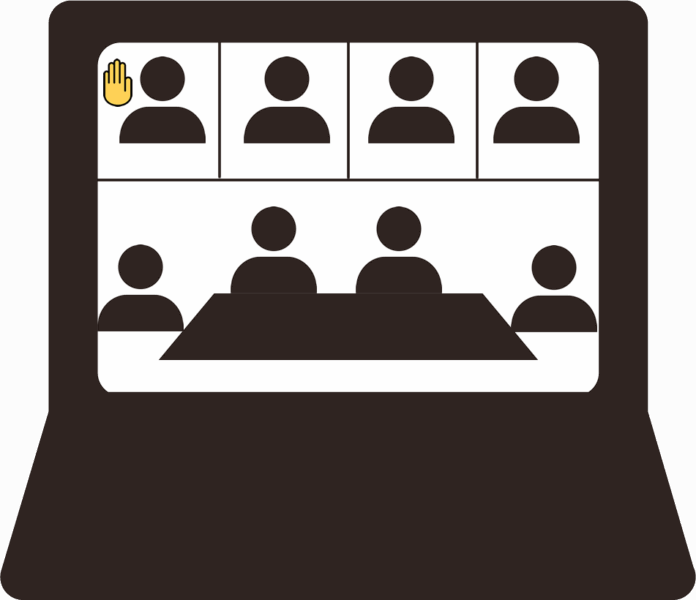
This will make it clear who is talking, and
The moderator can be used in the order in which he raised his hand, so everyone can speak equally.
disadvantage of this is that offline participants
when raising or lowering their hands.
You may accidentally turn on the microphone.
Therefore, it is important for facilitators to be people who understand meeting tools.
summary
Of course, in addition to this
,✅ Audio Issues
✅ Camera angle of view problem
✅ Depending on the number of people in the offline venue, everyone cannot connect to WIFI
There are several points to clear in a "one-to-many" hybrid meeting, but
Just incorporating these three tips will turn it into a hybrid meeting with a sense of unity.
Of course, I think there are times when the facilitator skills are insufficient or there are not enough people who can do that much.
Don't worry. We can provide such support and provide technical guidance.
Please feel free to contact us~